When bidding a new painting project, you know the sales stress is real…
Price too high and you lose the job. Price too low and you lose your profit.
Good estimating software takes the guesswork out of your bids.
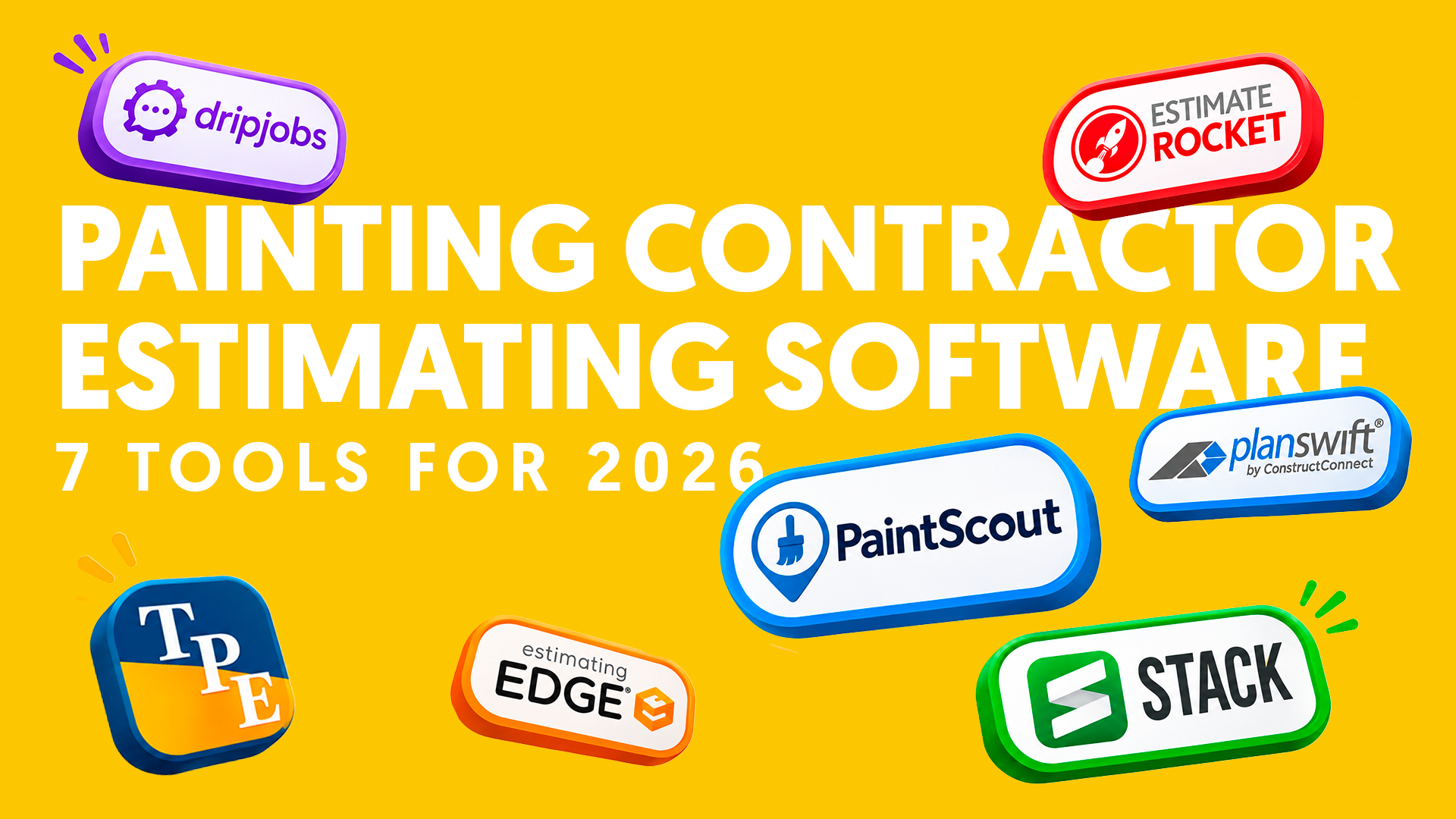
This post compares the top seven estimating tools for painting contractors, with updated 2026-2027 prices.
We’ll compare each tool’s cost, fit, and pros/cons for both residential and commercial painting contractors.
Let’s get into it…
Why the Spreadsheet Estimate Is Costing You
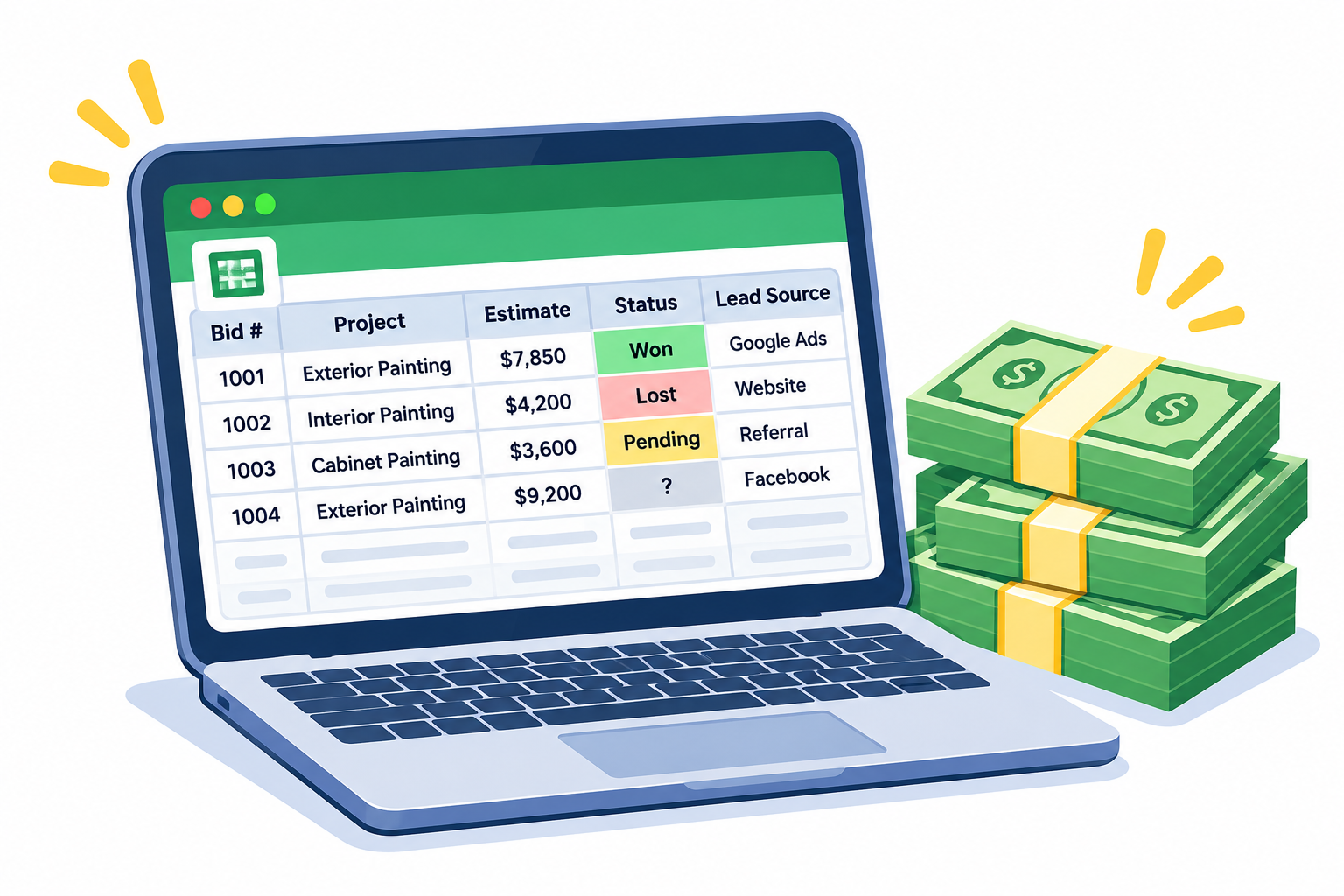
A spreadsheet works for bidding. Until it doesn’t.
It works when you are the only one pricing jobs. Here is where it starts to break:
Here’s the thing: Every bid is a guess until you track what happens next.
Without that record, you are stuck asking the same questions every month.
Are my prices too high? Too low? Which marketing is actually paying for itself?
That is the real job of estimating software. Faster bids. Consistent pricing. A record of every quote you send.
What Painting Estimating Software Actually Does
Estimating software turns your measurements into a priced proposal.
Most tools use production rates. A production rate is how many square feet your crew paints in one hour.
Good tools also do three more things:
The last two matter most for growth. We will come back to them.
Residential and Commercial Are Different Buys

Residential and commercial painting are two different sales. So they need different tools.
What a Homeowner Wants
A clear proposal they can understand fast.
The scope, colors, timeline, and price in one place.
Speed matters here, because the homeowner is waiting on your number to make a decision.
What a General Contractor Wants
A number built from blueprints, delivered by the bid deadline.
Square footage, surface types, and labor for every room on the plans.
Here’s the catch: On a job with 200 identical units, one measuring mistake repeats 200 times.
So residential tools focus on proposals, e-signatures, and follow-up.
Commercial tools focus on takeoff. Takeoff means measuring walls, ceilings, and trim straight from digital plans.
Not sure where you fit? Use this simple rule.
Best Estimating Software for Residential Painting Contractors
1. PaintScout
PaintScout is built only for painting contractors.
Price: $99 per sales user each month on annual billing, or $119 on monthly billing. Office seats and add-ons cost extra, per PaintScout’s billing page.
Best for: Residential painting contractors with salespeople bidding every day.
Watch out for: Cost grows with each sales seat you add.
2. DripJobs
DripJobs is a CRM built for home service contractors. A CRM is the system that tracks every lead and customer.
Price: The Pro plan is $97 per month. Advanced is $147 per month. The Production Rates add-on costs $99 per month.
Best for: Painting contractors who want lead tracking and automatic follow-up next to their proposals.
Watch out for: Pro plus production rates comes to $196 per month. Extra users are quote only.
3. Estimate Rocket
Estimate Rocket builds estimates from your own production rates and labor costs. Signed estimates become job budgets.
Price: A 30-day free trial. Sherwin-Williams contractors can get $79 per month for 11 months through the Digital Alliance program. Standard pricing is quote required.
Best for: Painting contractors who want to compare estimated costs to actual costs on every job.
Watch out for: You will need to talk to sales for a standard price.
4. The Paint Estimator
The Paint Estimator is desktop software for small painting contractors.
Price: $129 one time. No monthly fee. Two licenses are included, and a 5-day free trial is available.
Best for: Owner-operators who want a low-cost step up from a spreadsheet. It even tracks referral sources and estimates sold.
Watch out for: It only runs on Windows computers. There is no cloud version.
Best Estimating Software for Commercial Painting Contractors
1. STACK
STACK is cloud-based takeoff and estimating software for construction trades.
Price: $299 per month, flat rate, for the Takeoff and Estimate plan. It holds a 4.5 out of 5 rating from 1,401 reviews on STACK’s Capterra listing.
Best for: Commercial painting contractors bidding from plans who want one flat price for the whole team.
Watch out for: It is not painting-specific. Plan on time to build your own painting templates.
2. PlanSwift
PlanSwift is takeoff software for commercial trades.
Price: The entry plan is $166.67 per seat each month. The Core plan is $250 per seat each month. Both are billed yearly, so expect $2,000 to $3,000 per seat each year.
Best for: Commercial estimators who do heavy takeoff work every week.
Watch out for: Yearly billing means a bigger upfront cost.
3. The EDGE
The EDGE is cloud-based takeoff software from Estimating Edge. It is built for commercial painting.
Price: Quote required. You book a demo to get pricing.
Best for: Hotels, offices, and other jobs with many identical rooms. You measure one room and copy the math across the rest.
Watch out for: No public price makes it harder to compare.
Estimating Software for Both Residential and Commercial Work
Bid both homes and commercial jobs? You have three paths.
- One tool that names both. PaintScout lists residential and commercial painting contractors as its audience. It fits if you bid commercial work from walk-throughs.
- Two tools working together. Bid from blueprints? Pair a residential tool with a takeoff tool like STACK or PlanSwift.
- A custom tech stack. Build your own system. More on that below.
Side-by-Side Comparison
| Tool | Best Fit | Starting Price | Pricing Model |
|---|---|---|---|
| PaintScout | Residential | $99 per user per month | Per sales seat |
| DripJobs | Residential | $97 per month, plus $99 for estimating | Flat plan plus add-on |
| Estimate Rocket | Residential | Quote required | Subscription |
| The Paint Estimator | Small residential | $129 | One-time purchase |
| STACK | Commercial | $299 per month | Flat rate |
| PlanSwift | Commercial | $2,000 per seat per year | Per seat, billed yearly |
| The EDGE | Commercial | Quote required | Demo first |
How to Pick the Right Tool Without Wasting Money

Here’s the catch: The best software is the one your team will use every day.
Follow these five steps.
- Count your bids. Know how many estimates you send each month.
- Pick your lane. Residential, commercial, or both. Do not pay for takeoff tools if you never bid from plans.
- Run one real job through the trial. Build an actual bid in every tool you test. A demo shows a tool at its best.
- Check lead source tracking. Make sure every estimate records where the lead came from.
- Check your close rate report. You should see how many estimates turned into sold jobs, by month.
If you run a concrete coating business, none of these seven tools are built for floor systems. Use the free trial to build one real garage floor quote before you commit.
The Custom Tech Stack Option
Some of the larger painting contractors we work with skip the off-the-shelf route. They connect tools to match how they already work.
Here is what that can look like:
The bottom line: A custom stack fits you exactly. But someone has to build it, connect it, and keep it running.
Why a Marketing Agency Cares About Your Estimates
Here is what this looks like from the marketing side.
Counting leads is easy. Knowing which leads became sold jobs is harder.
That gap is where marketing money gets wasted.
When every quote records its lead source, your estimates can answer three questions:
More leads do not always mean more revenue. Sold jobs do.
That is why our Brain dashboard tracks quotes and sold jobs by lead source. It syncs with your CRM when the two connect.
Without that data, you can only judge marketing by clicks and leads.
With it, you can judge every channel by the jobs it actually sold.
The Bottom Line
Estimating software gives you faster bids, consistent pricing, and clean data. You still have to follow up and close.
Here is what to do next, based on the work you bid.
Two rules before you sign anything:
Test with a real job. Run one real job through every free trial first.
Track from day one. Set up lead source tracking at the start, not six months later.
Read that again: Pick the tool that fits the work you bid. Track every lead source. Watch your close rate every month.
Do that, and you stop guessing about your prices and your marketing.
Ready to See Which Marketing Turns Into Sold Jobs?
The right tool gets your bids in order.
But better bids only pay off when the right leads keep coming in.
That is the other half of the problem.
Base Coat Marketing has worked with 250+ painting and coating contractors across the US and Canada.
We help residential painting, commercial painting, and concrete coating contractors connect their marketing to sold jobs.
Here is how it works:
Skip it, and you keep spending without knowing what pays you back.
Take it, and every marketing dollar has a job you can measure.